Collections are essential to your web store. Your various non-singles product pages and buylists are built from them. Creating collections is also a quick and semi-automated solution to organizing all your products for intuitive search filters in the point of sale too!
Let's visit the Collections page
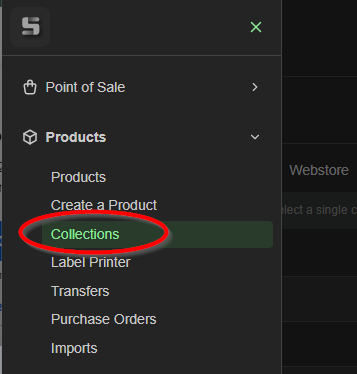
In the top right of the page, click +Create Collection

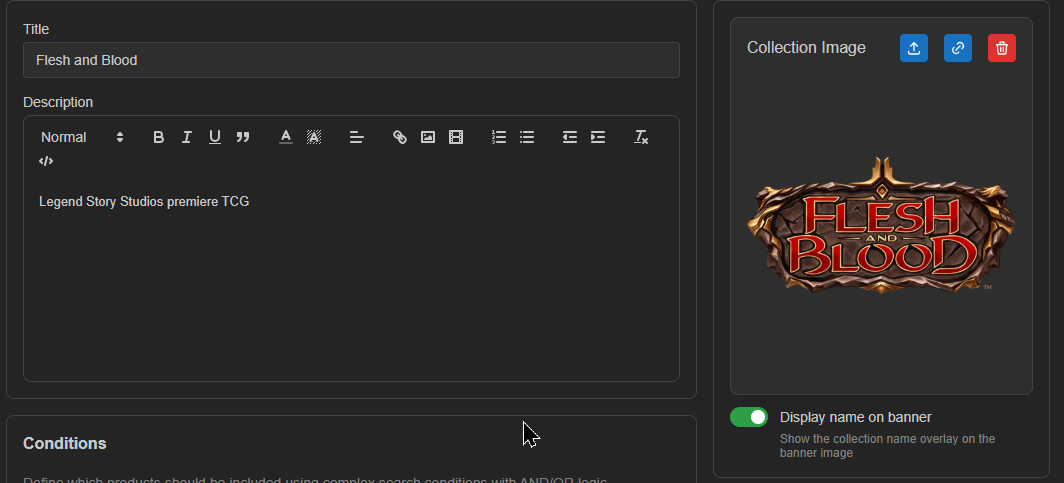
Fill out the Title and Description fields, and add an optional image!
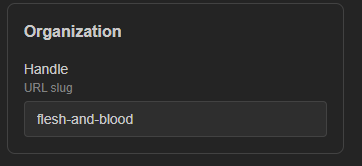
Below the image you can set your handle
We need to set conditions to build the collection from, so for this example we'll choose
'Catalog / equals / flesh_and_blood'
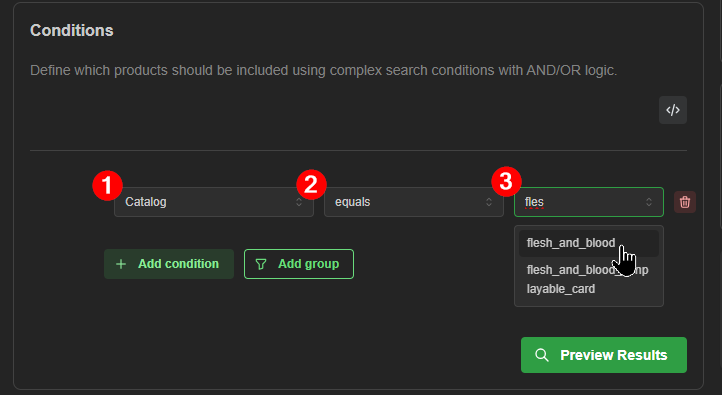
Let's click Preview Results to make sure our catalog appears to pull the correct products.
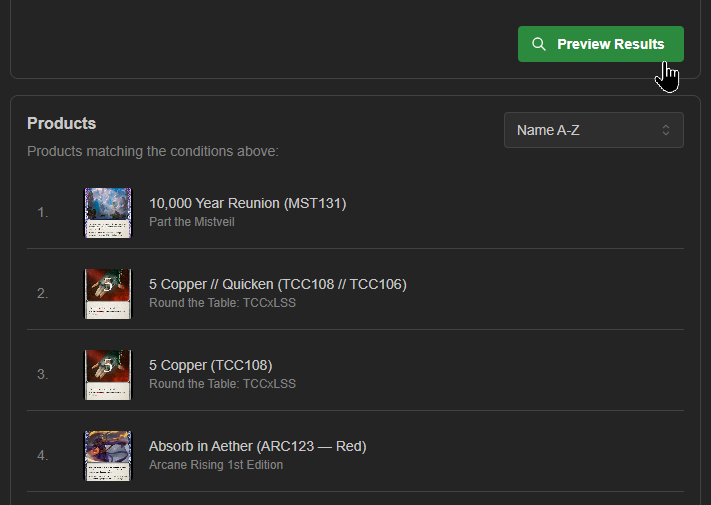
Hint: Choosing the sort method here also sets how your collection appears when its page loads in your web store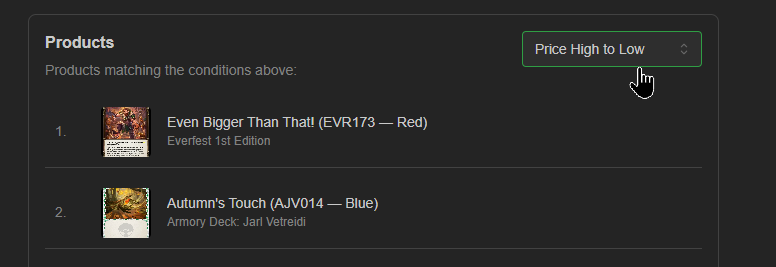
Choose which channels this collection will be accessible through.
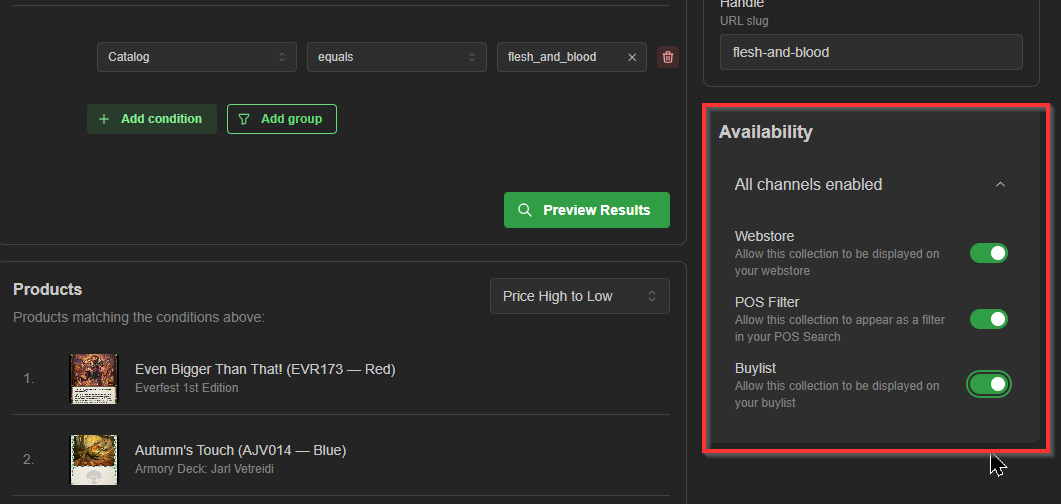
Hint:
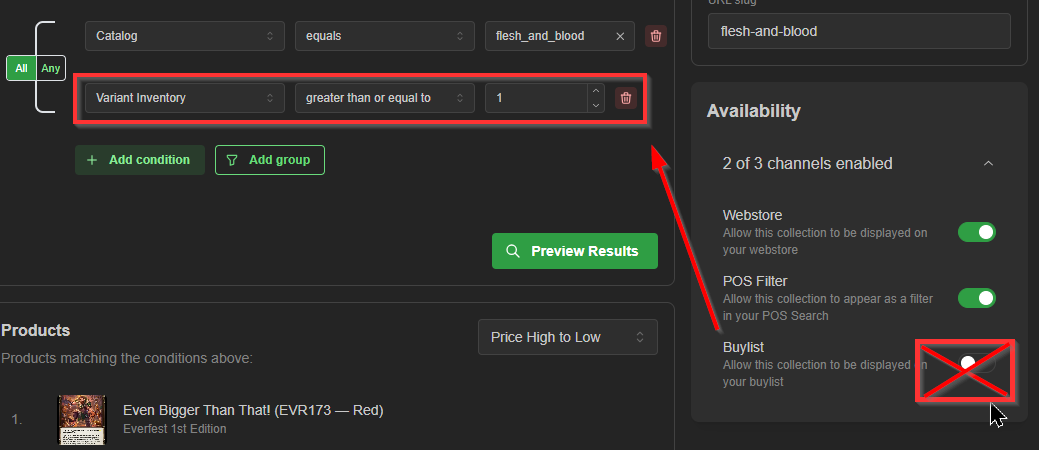
If this is an 'in-stock' collection (only inventory you have current qty of), you probably don't want to toggle the buylist on for it, since this means you don't accept buys/trade-ins of anything from this collection that you don't already currently have on-hand. example:
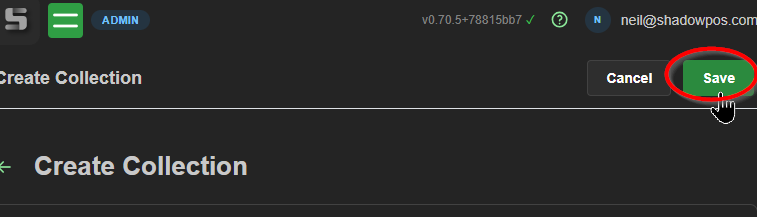
Be sure to click 'Save' at the top of the page once you're satisfied with this collection!
Once you build out this page, you're sure to have a mix of many essential, quirky, and fun collections to utilize!
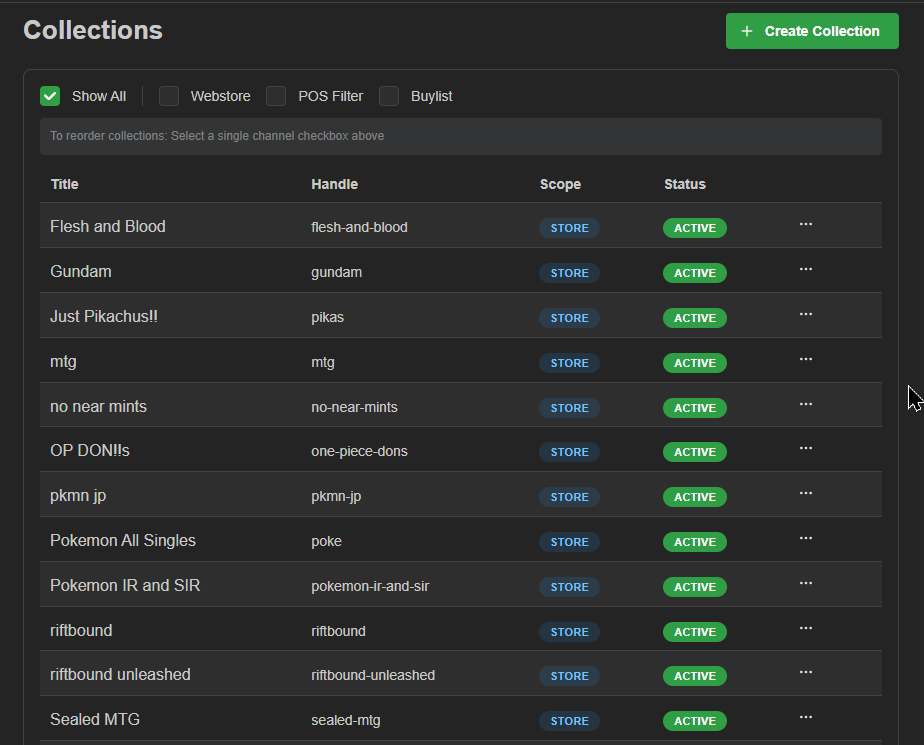
And there you have it! Have fun
--------------------------------------------------------
BONUS: Let's take a look at how collections make searching easier and navigating your webstore products easier.
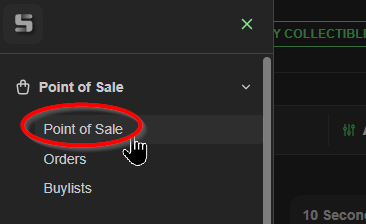
Navigate to the point of sale. Let's take a look at how our Flesh and Blood collection makes searching quicker.
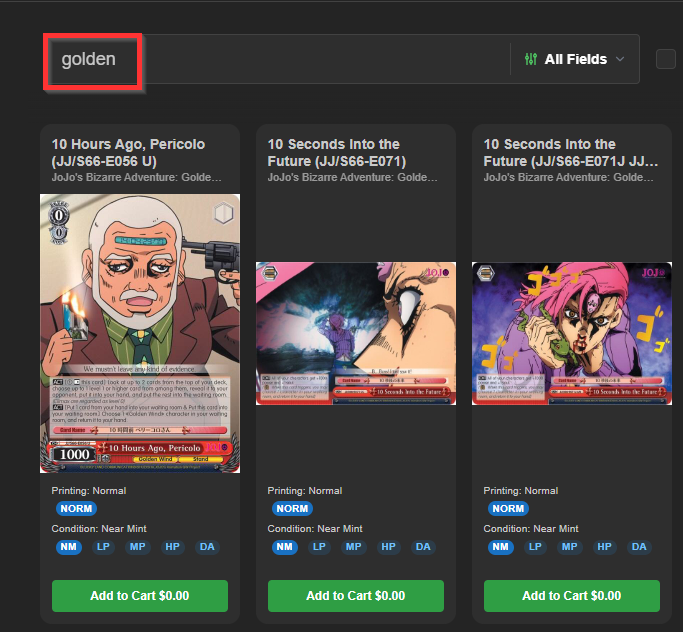
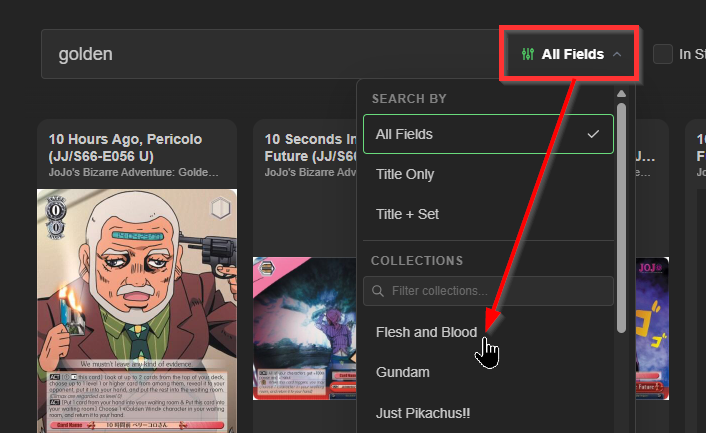
If I'm trying to find a particular FaB golden card, and simply search 'golden', then depending on your subscriptions, you could return a ton of unwanted results across many catalogs.
So let's narrow our search to just that collection!
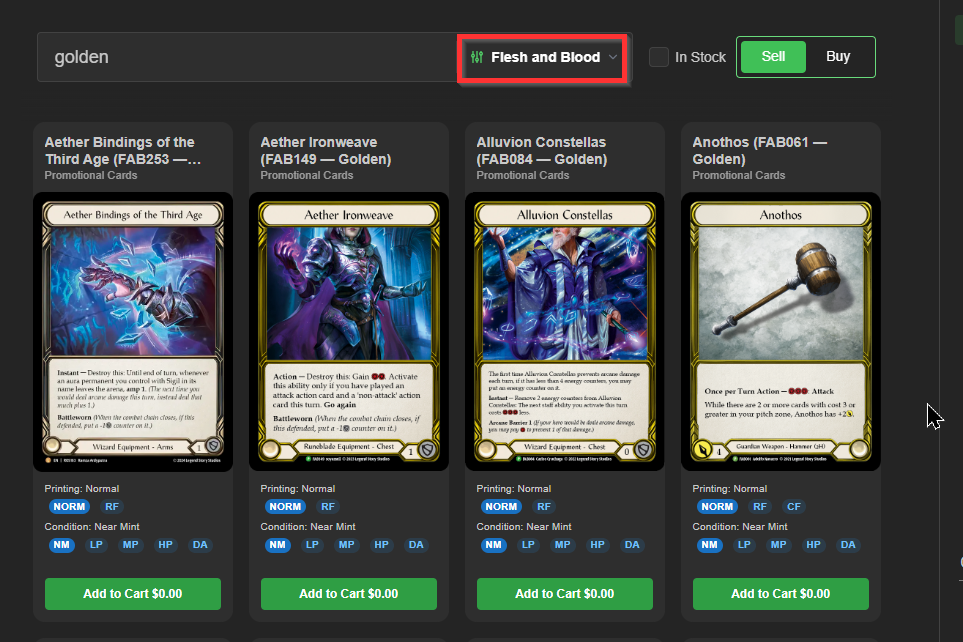
Much better!
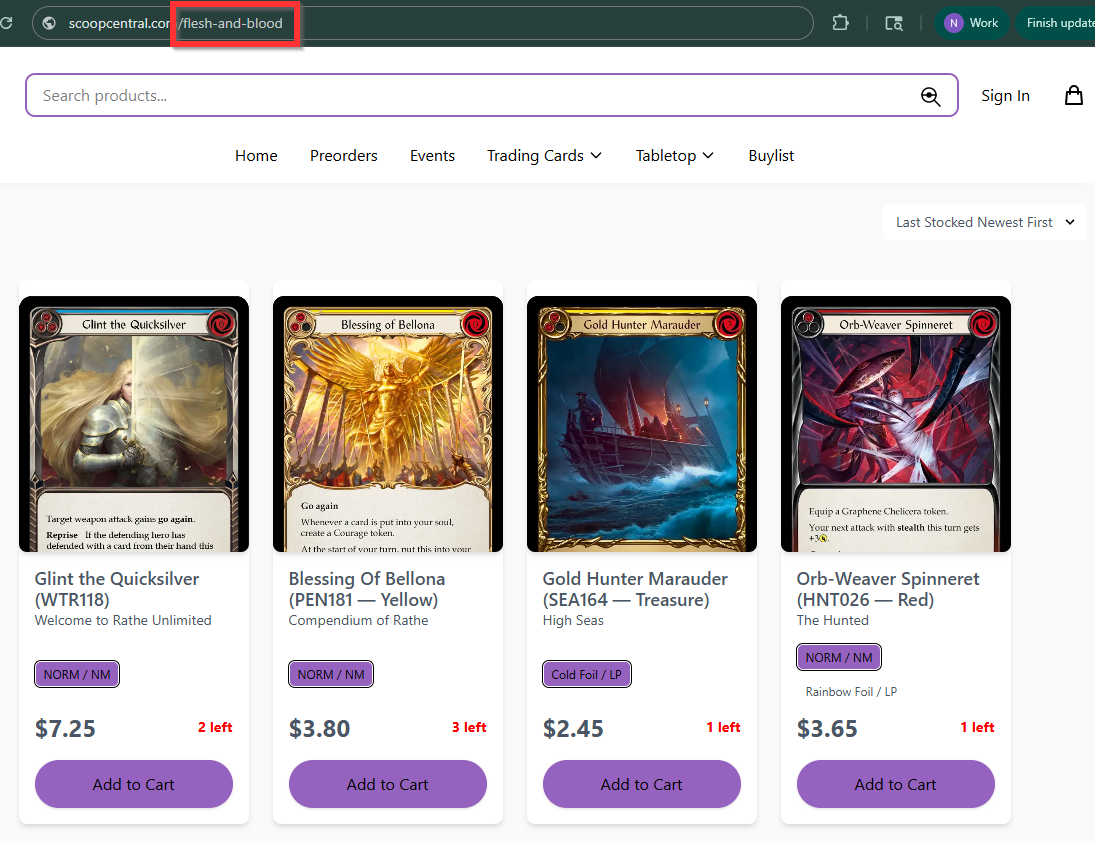
And once you assign the collection to a page in your webstore, those products will populate.
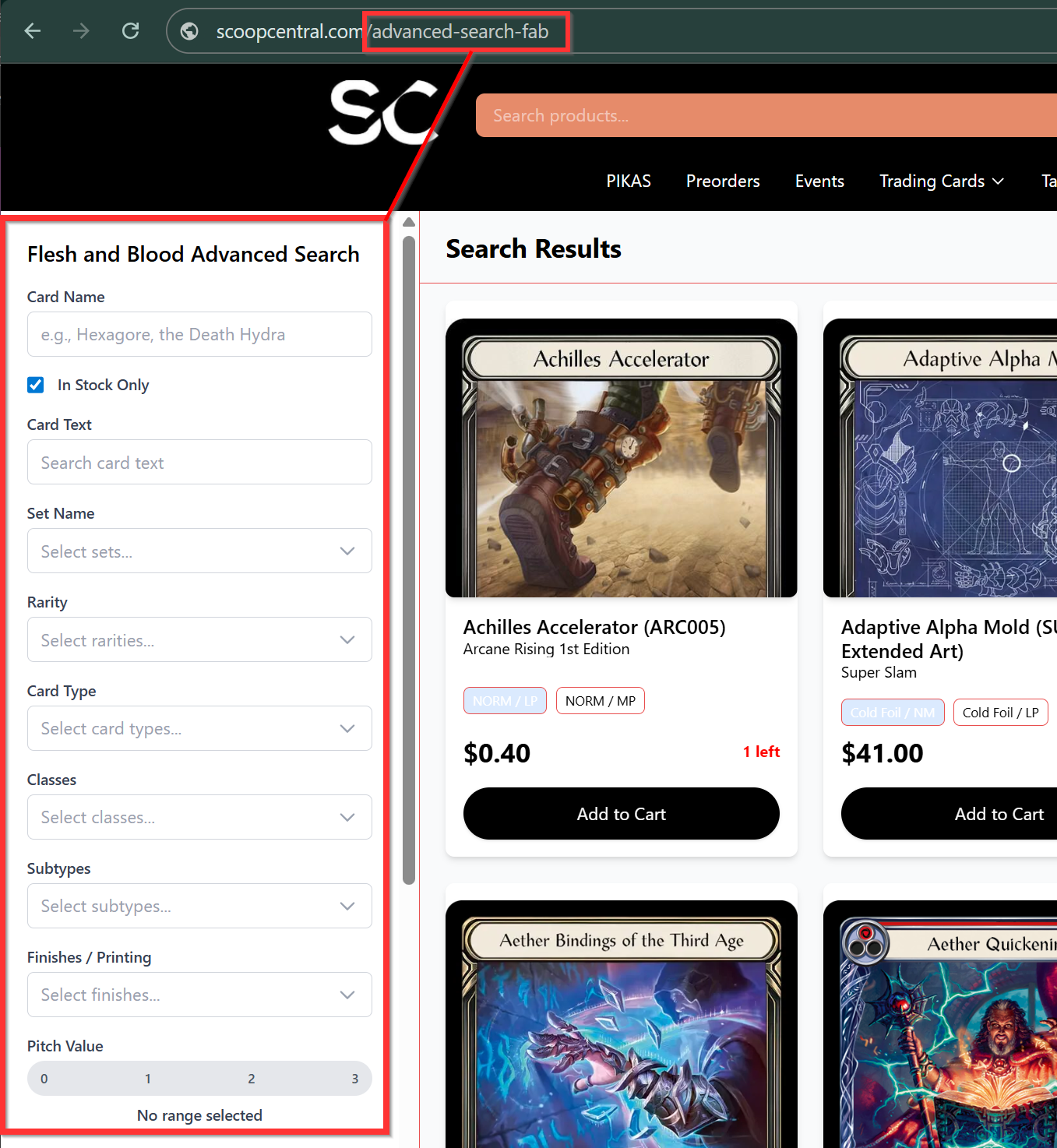
Hint: For the most popular catalogs, namely:
Magic / Pokemon / Lorcana / Yu-Gi-Oh! / Flesh and Blood / Riftbound / Gundam
We recommend using our specialized advanced searches over basic catalog collections to benefit from the special search criteria catered to each game!
Was this article helpful?
That’s Great!
Thank you for your feedback
Sorry! We couldn't be helpful
Thank you for your feedback
Feedback sent
We appreciate your effort and will try to fix the article