By default, we set you up with baseline rules. However, we'll show you how to add your own to establish your store's unique baseline pricing. Before any of your products display prices in the point of sale or webstore, you must have price rules.
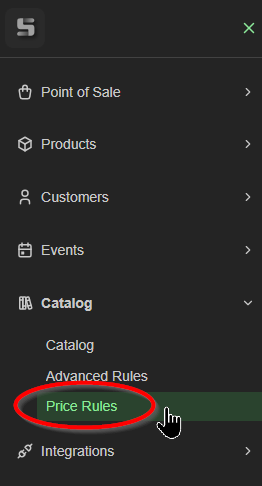
Visit Catalog, then Price Rules
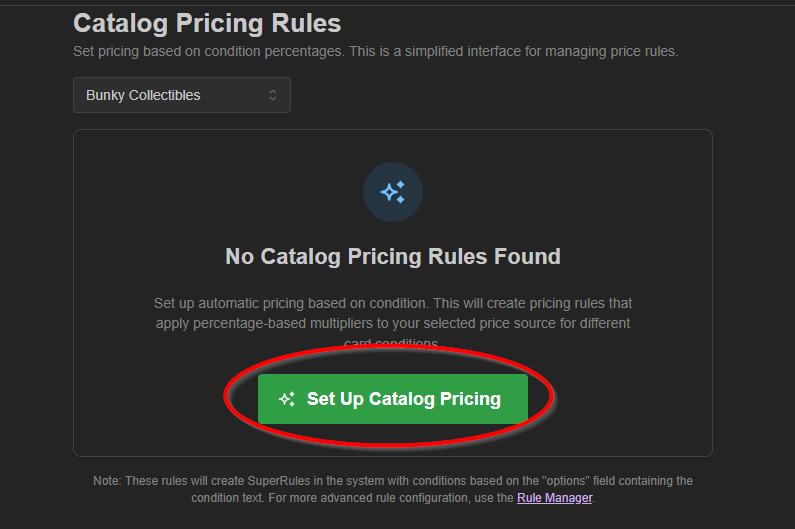
Click the 'Set Up Catalog Pricing'
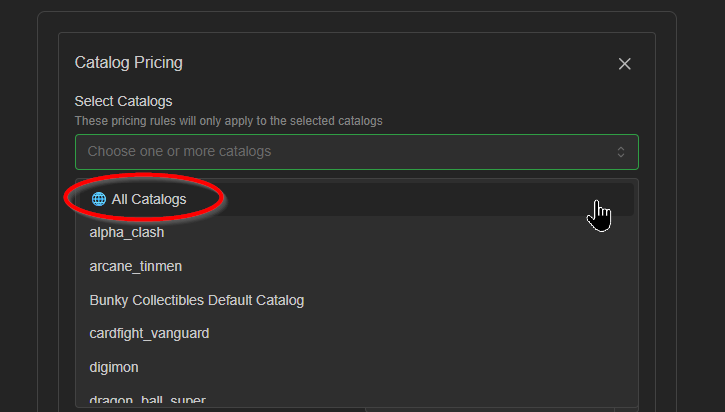
We'll continue with 'All Catalogs'
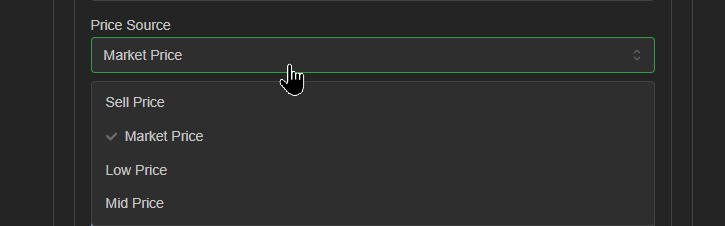
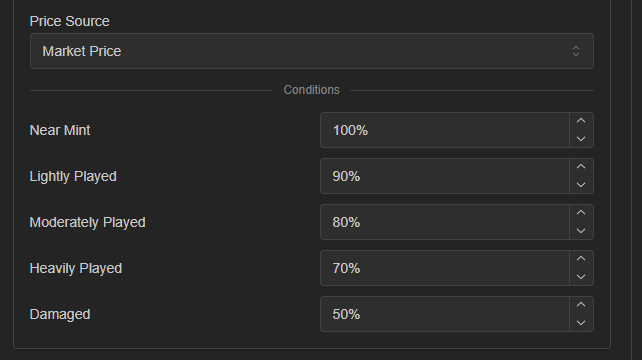
Market Price is the most popular source, so we'll go with that one for now. ShadowPOS uses an aggregate of popular pricing data to drive our rules engine.
The percentages shown are pretty typical for most popular games, but overall just a starting point. Each price source is updated daily, where 100% equals that referenced price.
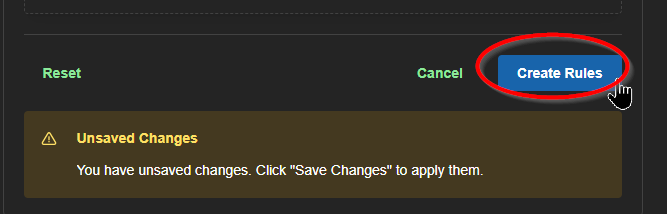
Click 'Create Rules' to save each of five rules (one per condition) in your stores rule settings.
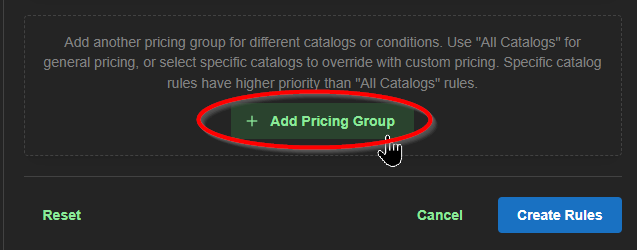
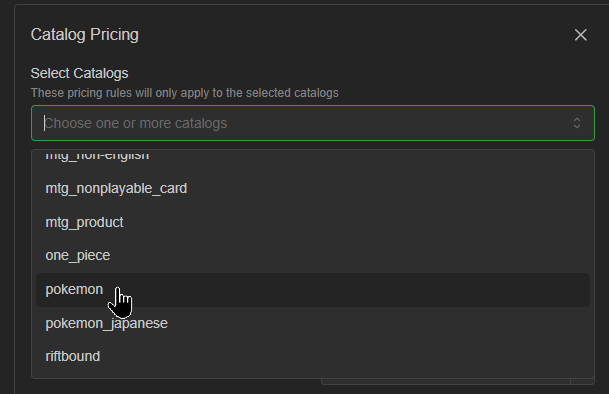
It's as simple as that. If your pricing policies differ from game to game, repeat the setup process with a particular catalog instead.
For anything more in-depth, please visit the Advanced Rules page, where you'll gain many more pricing features, such as floors, rounding, metadata-specific condition parameters, as well as the ability to use special formulas to determine just the right pricing for your store's needs!
Read more about Advanced Rules in our ShadowPOS User Guides
Was this article helpful?
That’s Great!
Thank you for your feedback
Sorry! We couldn't be helpful
Thank you for your feedback
Feedback sent
We appreciate your effort and will try to fix the article